Python REST API Test Application

/images/python-rest-api-test-application/Screenshot-2020-11-20-at-23.08.36.png

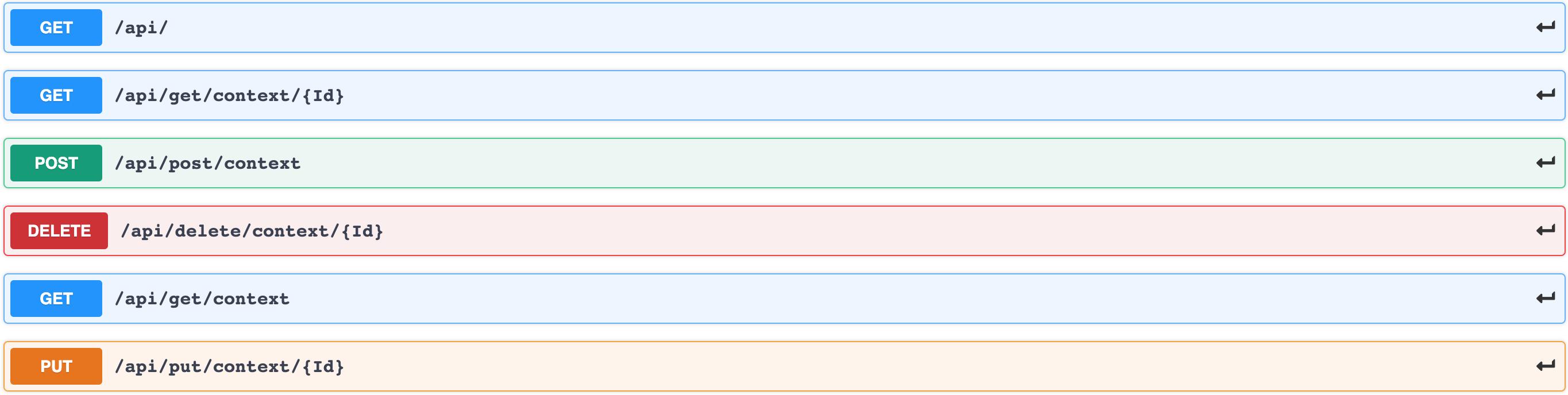
When you work in platform engineering focused on infrastructure, you sometimes need to create prototypes specifically built for platform testing purposes. I needed a backend that could simulate real API behavior without coupling to any actual business logic — something I could abuse freely.

Two goals:

  • Function as a REST API
  • Run in Kubernetes

Running Locally

Build the image and run it:

Kubernetes sitespeed.io

/images/kubernetes-sitespeedio/reaction.png

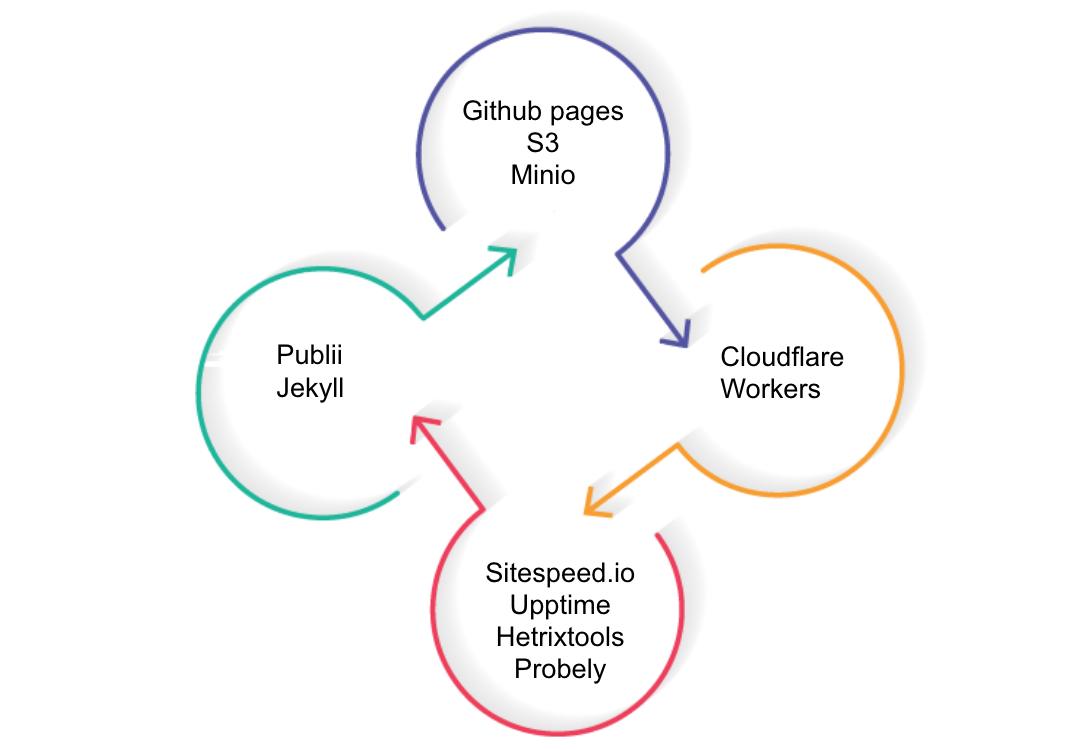
First, a thought about what this is and what it isn’t: this is about website metrics management. Not the only way, but one way for a high-level overview.

I’m focused on sharing concepts about website monitoring and one possible way to manage this in Kubernetes. You can reach the same goal with just Docker and crontab — but I’m using some other tools in Kubernetes because I’m evaluating them for other purposes.

Kubernetes Postfix

/images/kubernetes-postfix/vps.png

Long story short: my VPS provider changed the price for their small instance from $1 to $3, so I took the opportunity to move my Postfix service from cloud to on-premises. Why move away from cloud when the rest of the world is moving toward it? Because my own domain is used primarily for alerting, and the cost/benefit stopped making sense at $3/month.

Docker-latency — The Network Blaming Tool

aka the network blaming tool

Every network admin hears it. “The VPN is slow.” “I can’t connect to $something.” “It worked yesterday.”

The problem: these complaints are vague. Is it the provider? A T2/T3 routing issue? The user’s local network? Without data, you’re guessing.

This tool collects data.

How to Understand if Your Network is Really Slow

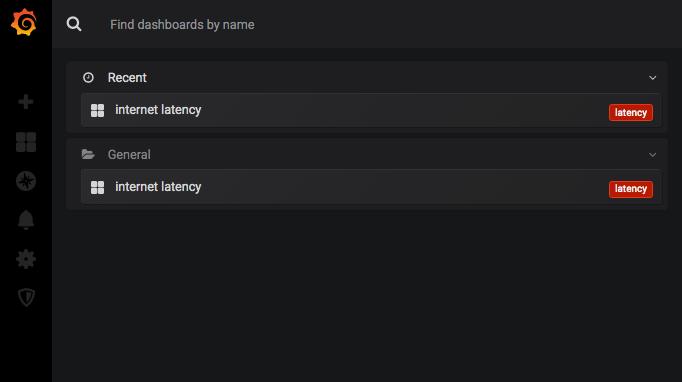
Deploy a pre-configured Grafana stack that monitors internet connection statistics. Select the endpoints that matter — VPN gateways, datacenter public IPs, main DNS servers — and get a continuous picture of latency and packet loss.

Kubernetes Apache HTTPD — The Front Controller Pattern

The Semi-Unuseful Apache Implementation in Kubernetes

When you have Ingress resources, Ambassador, Nginx, Traefik, and service meshes — why would you put Apache HTTPD in a Kubernetes pod?

Because sometimes the routing logic isn’t ops’ problem. It’s a product problem.

Digression

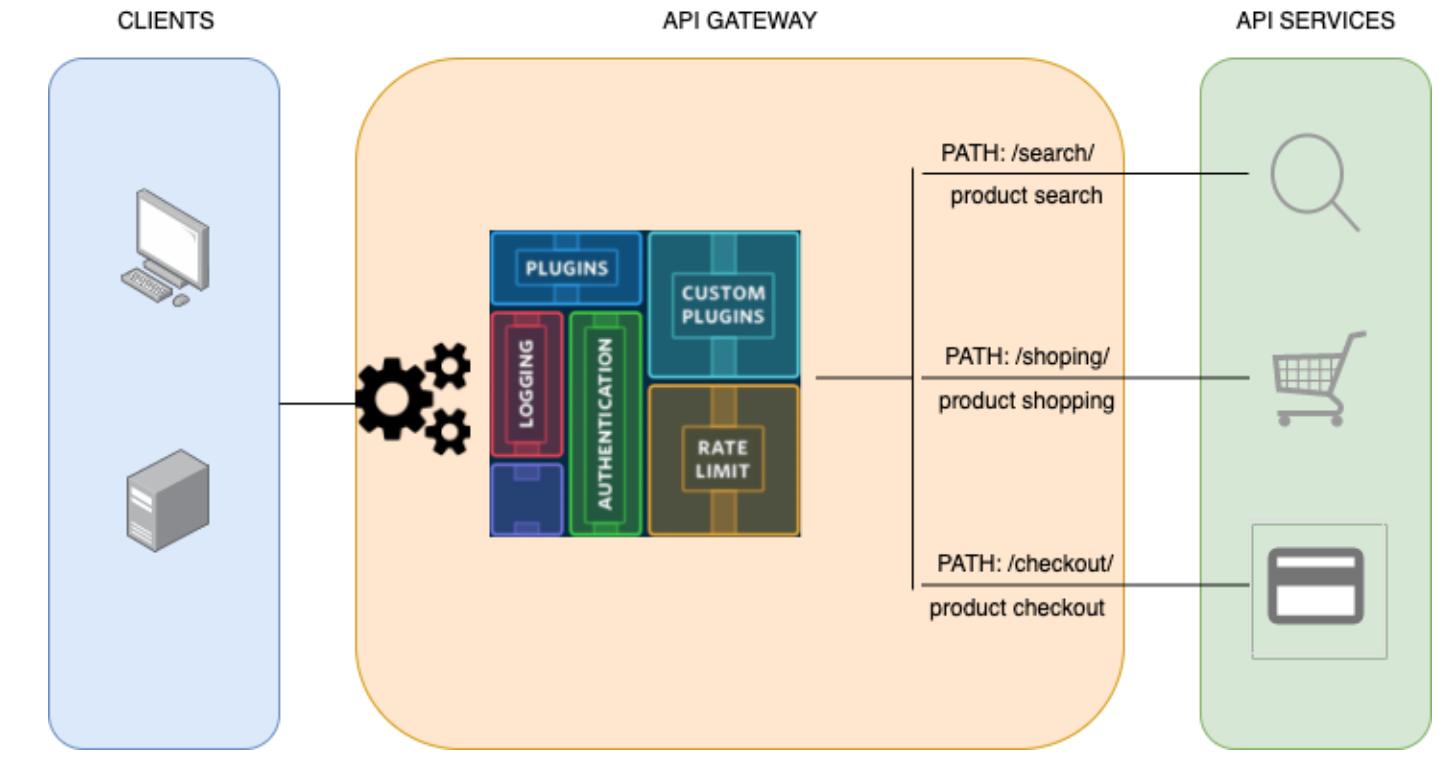
Complex e-commerce sites serve multiple microservices under one domain. www.example.com might route like this:

  • /it/ and /it/offerte → CMS
  • /uk/ and /uk/offers → CMS
  • /it/clienti/ → customer-app
  • /uk/customers/ → customers-app
  • /secure/ → payment-app

And then there are third-party domain acquisitions that need redirects. And A/B test variants. And country-specific promotional paths that change weekly.

Kubernetes Guacamole — Bastion Host Without MySQL

Another Guacamole in Kubernetes

A bastion host is “the only host computer that a company allows to be addressed directly from the public network.” It’s the security barrier between the internet and your internal infrastructure — the single controlled point for SSH and RDP access.

Apache Guacamole turns a bastion host into a browser-accessible portal: no VPN client, no SSH client, just a browser.

The problem with most Guacamole deployments: MySQL. A database dependency for something that’s fundamentally config management.

Kubernetes Service Mesh

/images/kubernetes-servicemesh/img_flow.png

Do we need a service mesh? A few years ago I started evaluating this feature for existing infrastructure. There are many concepts to consider, and many mistakes people commonly make in thinking about what service mesh does.

Better to start with what a service mesh is NOT.

What a Service Mesh Is NOT

  • Not an API gateway (though they may share some components)
  • Not the location for firewall rules
  • Not a magical application performance booster
  • Not something to add without a clear scope — if you do, it could create disorder

What a Service Mesh IS

The short answer covers four areas:

Kubernetes VPN Strongswan — IPsec with LDAP Auth

How to Manage VPN in a Kubernetes Environment

Traditional IPsec-XAuth VPN manages credentials in flat files. Adding a user means editing a file and redeploying. Removing a user means the same. In a Kubernetes environment, that’s not acceptable.

This implementation integrates Strongswan with LDAP, turning VPN access into a standard directory operation — the same system that manages every other credential in the organization.

/images/kubernetes-strongswan/vpn_diagram.jpg

Terraform Your Free Cloudflare Account

Introduction

Cloudflare provides a solid free tier. What sets it apart from competitors like Akamai or Incapsula isn’t just the price — it’s the API support and native Terraform provider. Everything you can click in the dashboard, you can manage in code.

This article walks through automating a complete Cloudflare account: DNS records, page rules, security settings, and zone configuration — all in Terraform, all in Git.

Setup

1. Authentication

Grab your API key from the Cloudflare portal:

Kubernetes for Mere Mortals

Hardware Setup

Here we are — a homemade Kubernetes cluster built on ARM hardware. No cloud credits. No expensive servers. Just OrangePis and a USB hub.

Bill of materials:

  • 1x Anker 60W PowerPort 6 USB hub (power for all nodes)
  • 4x Orange Pi Plus 2E single-board computers

/images/kubernetes-for-mere-mortals/k8s.arm-lg.jpeg

/images/kubernetes-for-mere-mortals/IMG_20170605_150237.jpg

Total cost: well under what a single month of cloud compute would run.