Websocket, Cloudflare Tunnel, Apache httpd and a Bit of Security
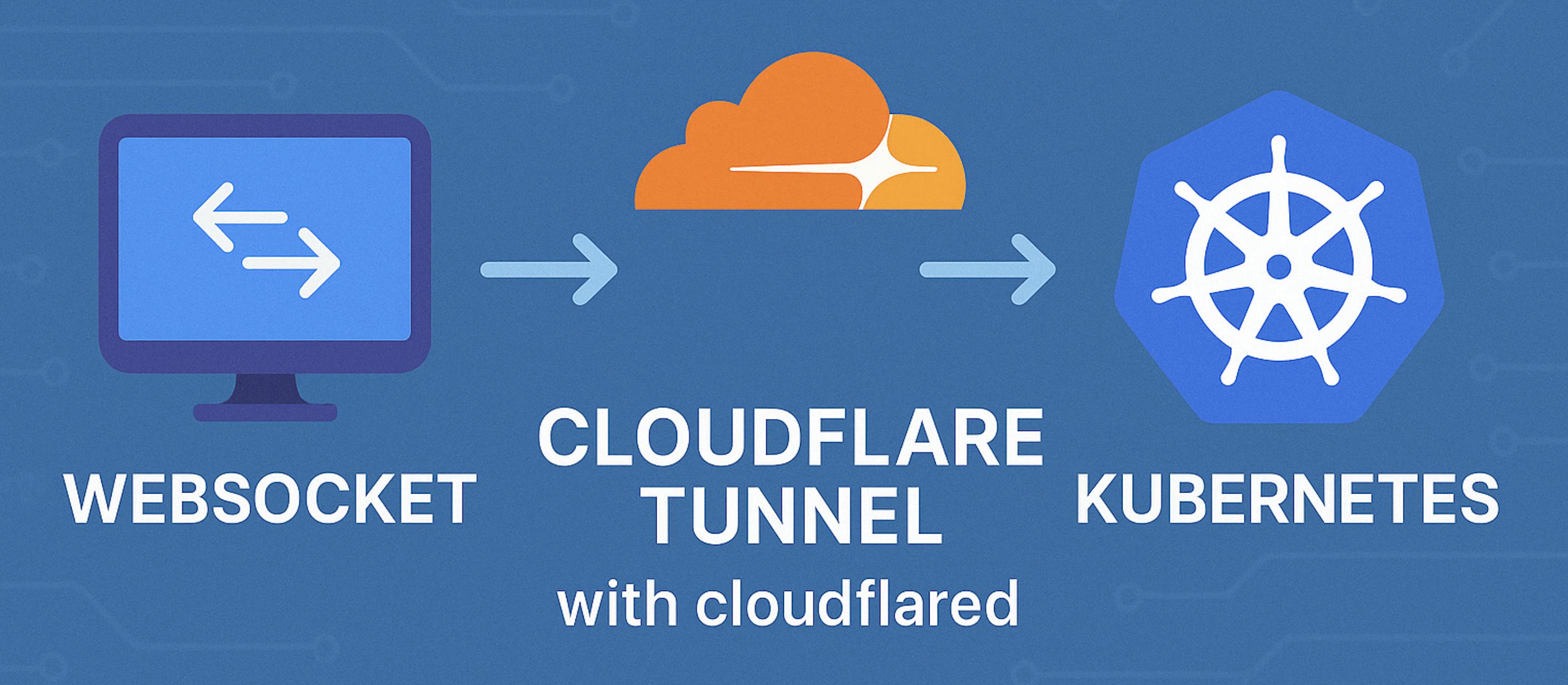
The Infrastructure Overview
Exposing home lab services to the internet can be both necessary and risky. Traditional methods — port forwarding, VPNs, reverse proxies with open inbound ports — come with their own set of challenges. This is where Cloudflare Tunnel (formerly Argo Tunnel) comes in as an elegant solution.
In this article, I’ll walk you through how I’ve implemented a secure infrastructure using Cloudflare Tunnel with WebSocket support, running on a Kubernetes cluster with Apache HTTPD as a reverse proxy. This setup allows me to securely expose internal services without opening ports on my residential firewall.
Starting point
This one of the scenarios that made me crazy: WebSockets. Grafana, since version 8.x, uses WebSockets to update dashboards in real time. Getting that to work reliably through multiple proxy layers took some iteration.

The original idea was to define a “role” for each layer:
 Used as global security header injector — same security posture for every exposed application.
 Used to obfuscate the origin and add a protection layer, even on the free plan.
 Linux-based firewall for ACL and NAT rules.
 Kubernetes for all workloads that can run as immutable images.
The Cloudflare Worker handling security headers:
const securityHeaders = {
  "Content-Security-Policy": "upgrade-insecure-requests",
  "Strict-Transport-Security": "max-age=3600;includeSubdomains",
  "X-Xss-Protection": "1; mode=block",
  "X-Frame-Options": "DENY",
  "X-Content-Type-Options": "nosniff",
  "Permissions-Policy": "geolocation=()",
  "Referrer-Policy": "strict-origin-when-cross-origin"
};

async function addHeaders(req) {
  const response = await fetch(req),
  newHeaders = new Headers(response.headers),
  setHeaders = Object.assign({}, securityHeaders);

  if (newHeaders.has("Content-Type") && !newHeaders.get("Content-Type").includes("text/html")) {
    return new Response(response.body, {
      status: response.status,
      statusText: response.statusText,
      headers: newHeaders
    });
  }

  Object.keys(setHeaders).forEach(name => newHeaders.set(name, setHeaders[name]));

  return new Response(response.body, {
    status: response.status,
    statusText: response.statusText,
    headers: newHeaders
  });
}

addEventListener("fetch", event => event.respondWith(addHeaders(event.request)));
Why Cloudflare Tunnel?
- No open inbound ports — Tunnel establishes an outbound-only connection, eliminating port exposure on the residential firewall
- DDoS protection — Cloudflare’s network absorbs and mitigates attack traffic before it reaches your infrastructure
- Zero Trust access — integrates with Cloudflare Access for identity-based authentication
- TLS everywhere — end-to-end encryption in the tunnel
- WebSocket support — this was the critical requirement that made everything else irrelevant if it didn’t work
Setting Up Cloudflared in Kubernetes
Configuration
apiVersion: v1
kind: ConfigMap
metadata:
  name: cloudflared
  namespace: cloudflared
data:
  config.yaml: |
    tunnel: home
    credentials-file: /etc/cloudflared/creds/credentials.json
    metrics: 0.0.0.0:2000
    no-autoupdate: true

    ingress:
      - hostname: services.k8s.it
        path: /.well-known/acme-challenge/
        service: http://internal-ingress
        originRequest:
          httpHostHeader: "services.k8s.it"
          noTLSVerify: true
          http2Origin: true

      - hostname: services.k8s.it
        service: http://internal-ingress
        originRequest:
          httpHostHeader: "services.k8s.it"
          noTLSVerify: true
          http2Origin: true

      - service: http_status:404
Deployment
apiVersion: apps/v1
kind: Deployment
metadata:
  name: cloudflared
  namespace: cloudflared
spec:
  selector:
    matchLabels:
      app: cloudflared
  replicas: 2
  template:
    metadata:
      annotations:
        prometheus.io/path: /metrics
        prometheus.io/port: "2000"
        prometheus.io/scrape: "true"
      labels:
        app: cloudflared
    spec:
      containers:
        - name: cloudflared
          image: cloudflare/cloudflared:2023.7.0
          args:
            - tunnel
            - --config
            - /etc/cloudflared/config/config.yaml
            - run
          livenessProbe:
            httpGet:
              path: /ready
              port: 2000
            failureThreshold: 1
            initialDelaySeconds: 10
            periodSeconds: 10
          resources:
            requests:
              memory: "64Mi"
              cpu: "50m"
            limits:
              memory: "128Mi"
              cpu: "200m"
          volumeMounts:
            - name: config
              mountPath: /etc/cloudflared/config
              readOnly: true
            - name: creds
              mountPath: /etc/cloudflared/creds
              readOnly: true
      volumes:
        - name: creds
          secret:
            secretName: tunnel-credentials
        - name: config
          configMap:
            name: cloudflared
            items:
              - key: config.yaml
                path: config.yaml
Two replicas for redundancy. The liveness probe on /ready ensures only healthy replicas serve traffic.
How the Traffic Flows: Sequence Diagram
User → Cloudflare Edge → Cloudflared Pod → Kubernetes Ingress → Apache HTTPD → ApplicationWebSocket upgrade happens at the Cloudflare edge → cloudflared leg. The http2Origin: true setting is critical — without it, WebSocket upgrades fail silently.
Security Considerations
1. Cloudflare WAF Protection
Protects against SQL injection, XSS, CSRF, DDoS, and known CVE patterns — all before traffic reaches the cluster.
2. Zero Trust Network Architecture
No inbound ports on the residential router. All connections initiated outbound. No direct internet-to-cluster path exists.
3. Defense in Depth
- Cloudflare WAF (first line)
- Kubernetes NetworkPolicies (segmentation)
- Apache HTTPD (request filtering, header control)
- Application-level auth
4. Credential Management
- Tunnel credentials stored as Kubernetes Secrets
tunnel-credentialsSecret mounted read-only- Rotate credentials via
cloudflared tunnel credentialsif compromised
5. HTTPS Everywhere
- TLS between user and Cloudflare edge
- TLS in the tunnel between edge and cloudflared
- Internal: optional TLS with
noTLSVerify: trueacceptable for cluster-internal traffic
Monitoring and Observability
Cloudflared exposes Prometheus metrics at port 2000. The annotations in the Deployment above enable automatic scraping.
Key metrics:
cloudflared_tunnel_requests_total— requests through the tunnelcloudflared_tunnel_response_duration_seconds— latencycloudflared_tunnel_active_streams— active connections (critical for WebSocket monitoring)
Advanced Configurations
Load Balancing
Multiple replicas: 2 cloudflared pods connect to the same tunnel. Cloudflare automatically load-balances connections across available replicas.
Path-Based Routing
ingress:
  - hostname: services.k8s.it
    path: /grafana/
    service: http://grafana.monitoring.svc.cluster.local:3000

  - hostname: services.k8s.it
    path: /prometheus/
    service: http://prometheus.monitoring.svc.cluster.local:9090

  - service: http_status:404
Apache Configuration
The critical piece for WebSocket support through Apache:
<Location /grafana/>
  ProxyPass http://grafana.monitoring.svc.cluster.local:3000/
</Location>

<Location /grafana/api/live/ws>
  ProxyPass ws://grafana.monitoring.svc.cluster.local:3000/api/live/ws
</Location>
The /api/live/ws location must use ws:// (or wss://) explicitly. Apache does not auto-upgrade HTTP to WebSocket — you have to tell it.
Conclusion
This architecture provides a secure, reliable way to expose homelab services to the internet. No open ports. Cloudflare’s protection for free. WebSocket support that actually works.
The setup has been running since 2023 without issues. The combination of Cloudflare Tunnel + Apache HTTPD + Kubernetes gives exactly the right amount of control at each layer.
Remember: security is continuous. Regularly update cloudflared, review Cloudflare WAF rules, and monitor for unusual traffic patterns.
If it isn’t there, it can’t break.