Monitoring Contentful Usage — Building a Prometheus Exporter Because the UI Won't Tell You
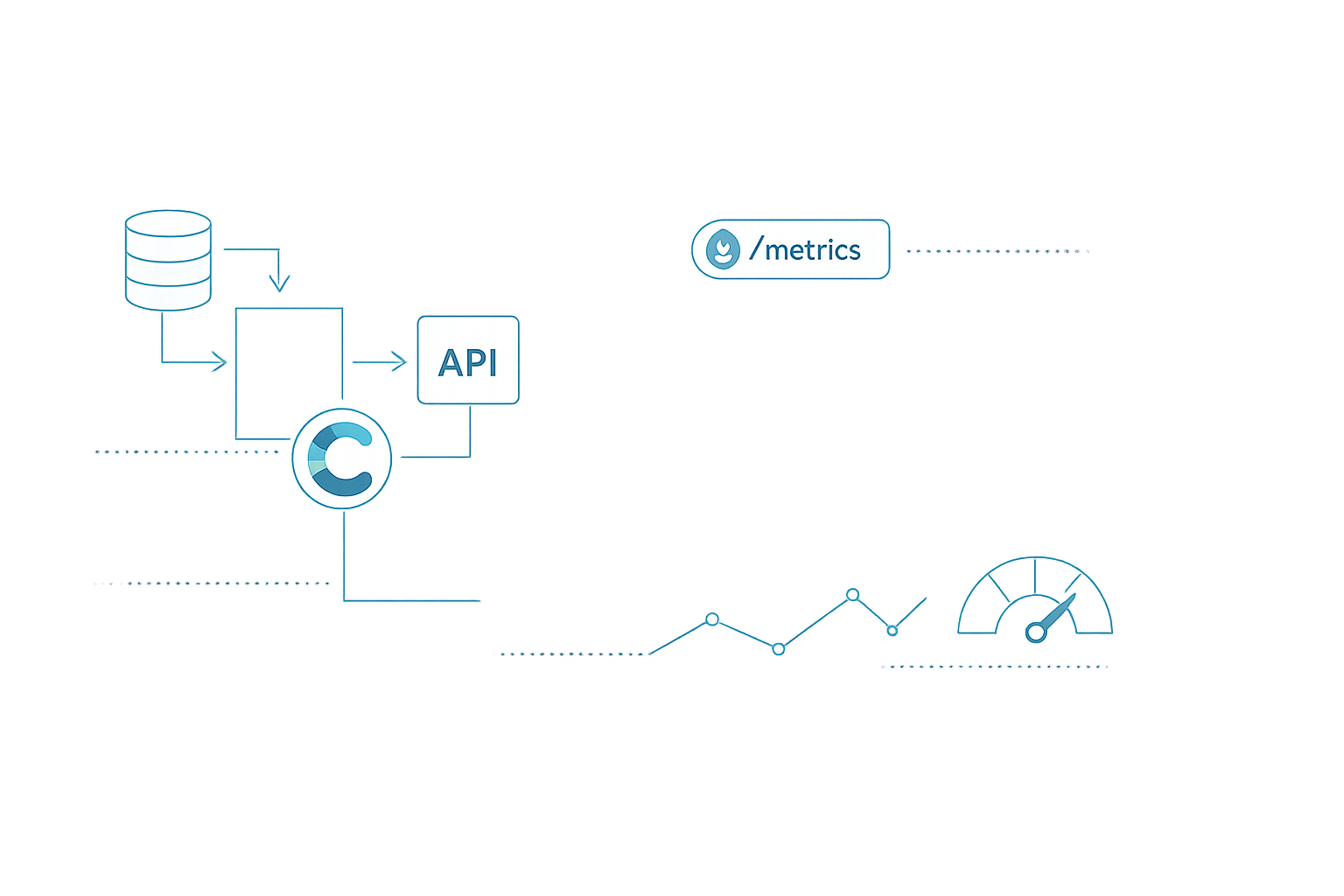
Table of Contents
- Introduction
- The Problem
- The Architecture
- How It Works
- CLI Mode — One-Shot Reports
- Prometheus Mode — Continuous Monitoring
- Deploying on Kubernetes with Helm
- Grafana Dashboards
- Security Considerations
- Conclusion
- Reflections
Here we are. If you’ve ever managed a Contentful space at scale — I mean real scale, with thousands of entries, a dozen environments, and a team that publishes hourly — you’ve hit the wall. The Contentful web app shows you… not much. A few dashboard widgets, some high-level numbers, but nothing you can export, alert on, or trend over time.
What made me crazy was the monthly ritual. Opening the usage page, manually noting down CDA calls, CMA operations, GQL queries, trying to figure out if we were about to blow through our plan limits. Then doing it again for the next space. Then multiplying by every org.
There had to be a better way.
Why a Prometheus Exporter?
Contentful exposes a Organization Periodic Usage API — but only on Enterprise plans. If you’re on one, you can get per-space, per-API-type usage metrics for the current month. The catch: it’s a raw JSON endpoint, not integrated with anything. No Grafana dashboard, no alert when you hit 80% of your quota.
I needed something that:
- Ran as a sidecar in my Kubernetes cluster
- Exposed metrics Prometheus could scrape
- Survived pod restarts without losing the trend
- Required zero changes to Contentful (read-only, always)
Enter contentful-usage-exporter — a Python CLI and Prometheus exporter I built that does exactly this.
The Architecture
Here’s how the data flows:
Two modes, same collectors underneath. The one-shot mode writes JSON and CSV files for ad-hoc analysis. The Prometheus mode starts an HTTP server on :8000 and serves live metrics on every scrape.
How It Works
The exporter is built around three collector modules, each targeting a different Contentful API surface:
Usage collector (collectors/usage.py): Calls the Organization Periodic Usage API for the current month-to-date. Fetches both org-level and per-space breakdowns for four API types — CDA (Content Delivery), CMA (Content Management), CPA (Content Preview), GQL (GraphQL). Returns raw usage arrays plus normalized {metric}_total counters.
Space collector (collectors/space.py): Hits the CMA to inventory a space — environments, content types, locales, entries, assets, API keys, webhooks, roles. Uses the total field from list endpoints to avoid downloading every item. This is crucial when you have 5000+ entries.
User collector (collectors/users.py): Counts org memberships, space memberships, and teams. Useful for tracking license utilization.
Each collector is independently try/except’d. If the usage API fails (e.g., you’re not on Enterprise), space and user metrics still work. Errors are collected but don’t abort the run.
The Prometheus collector (collectors/prometheus_collector.py) is where it gets interesting. It implements Collector from prometheus_client, but uses a private CollectorRegistry for its internal gauges. Why? Because collect() calls self.registry.collect(), and if you use the global REGISTRY, you get infinite recursion. Ask me how long it took to debug that.
CLI Mode — One-Shot Reports
Sometimes you don’t need a full observability stack. You just want a CSV to send to finance.
# Set up your environment
export CONTENTFUL_MANAGEMENT_TOKEN="CFPAT-..."
export CONTENTFUL_ORG_ID="your-org-id"
export CONTENTFUL_SPACE_ID="your-space-id"
export CONTENTFUL_ENVIRONMENT_ID="master"

# Run all collectors
python -m contentful_usage_exporter.main all

# Output is written to ./output/
ls output/
# summary.json  summary.csv  raw_usage.json  raw_space.json  raw_users.json
The summary JSON gives you everything in one document:
{
  "org_id": "your-org-id",
  "space_id": "your-space-id",
  "environment_id": "master",
  "usage": {
    "cda_total": 45231,
    "cma_total": 3892,
    "cpa_total": 1204,
    "gql_total": 15230
  },
  "space": {
    "environments": 7,
    "content_types": 28,
    "entries": 4795,
    "assets": 5892,
    "locales": 21
  },
  "users": {
    "organization_memberships": 15,
    "space_memberships": 12,
    "teams": 10
  }
}
Real data from a production run against a fashion show content space: 7 environments, 28 content types, 21 locales, nearly 5000 entries, 6000 assets. The tool handles it in seconds.
Prometheus Mode — Continuous Monitoring
This is where the tool really shines. Start the Prometheus exporter:
python -m contentful_usage_exporter.main prometheus --port 8000Then add a scrape target to your Prometheus config:
scrape_configs:
  - job_name: 'contentful'
    scrape_interval: 60s
    scrape_timeout: 30s
    static_configs:
      - targets: ['localhost:8000']
The /metrics endpoint exposes 15+ gauges covering everything from entry counts to per-API daily usage:
# HELP contentful_entries_total Current entry count
# TYPE contentful_entries_total gauge
contentful_entries_total{org_id="...",space_id="...",environment_id="master"} 4795

# HELP contentful_usage Monthly API usage by type
# TYPE contentful_usage gauge
contentful_usage{org_id="...",metric_name="cda_total"} 45231
contentful_usage{org_id="...",metric_name="cma_total"} 3892

# HELP contentful_usage_daily Daily API usage breakdown
# TYPE contentful_usage_daily gauge
contentful_usage_daily{api_type="cda",date="2026-06-01"} 1520
contentful_usage_daily{api_type="cda",date="2026-06-02"} 1380

# HELP contentful_exporter_last_scrape_timestamp Last successful scrape
# TYPE contentful_exporter_last_scrape_timestamp gauge
contentful_exporter_last_scrape_timestamp 1.749e+09

# HELP contentful_exporter_last_scrape_success 1 = success, 0 = failure
# TYPE contentful_exporter_last_scrape_success gauge
contentful_exporter_last_scrape_success 1
Deploying on Kubernetes with Helm
The exporter ships with a Helm chart. Here’s the minimal config to get it running:
# values.yaml
contentful:
  orgId: "your-org-id"
  spaceId: "your-space-id"
  environmentId: "master"
  baseUrl: "https://api.contentful.com"
  secret:
    name: contentful-secret
    tokenKey: management-token

resources:
  requests:
    cpu: 50m
    memory: 64Mi
  limits:
    cpu: 200m
    memory: 256Mi

serviceMonitor:
  enabled: true
  interval: 60s
  scrapeTimeout: 30s
Install it:
helm upgrade --install contentful-exporter ./helm/contentful-usage-exporter \
  --namespace monitoring \
  --values values.yaml
The deployment runs as non-root user 1000, with liveness and readiness probes on /metrics. The Secret is mounted from an external source — never bake tokens into the chart.
Grafana Dashboards
Once Prometheus is scraping, you can build a dashboard like this:
Useful PromQL queries:
# Monthly API usage by type
contentful_usage{metric_name=~"cda_total|cma_total|cpa_total|gql_total"}

# Daily CDA trend (last 7 days)
sum by (api_type) (
  contentful_usage_daily{api_type="cda"}[7d]
)

# Entry count over time
contentful_entries_total

# Detect scrape failures
contentful_exporter_last_scrape_success == 0
Set up an alert when usage exceeds 80% of your plan limit, or when the exporter stops scraping — both are five-minute configurations in Alertmanager.
Security Considerations
- Read-only by design — the exporter only performs GET requests against Contentful APIs. It never writes, deletes, or modifies any Contentful data. This is enforced by using a CMA token with minimal required scopes.
- Token permissions — the CMA token needs
content_management_managescope. In Kubernetes, the token is stored in a Secret mounted as environment variables — never in the image or the chart values. - Network isolation — the exporter exposes only
/metricson a single port. Run it in a monitoring namespace with network policies restricting ingress to Prometheus only. - No secrets in output — the report files contain metric IDs and counts, but never tokens or sensitive configuration. Raw API responses are scrubbed by the collector layer.
Conclusion
The contentful-usage-exporter turned our monthly manual reporting ritual into a real-time dashboard. What used to take an afternoon of clicking through the Contentful web app and pasting numbers into a spreadsheet now lives in Grafana, with alerts that tell us when we’re approaching limits before the bill arrives.
Two Python dependencies (requests + prometheus_client), a Docker image under 150MB, and a Helm chart that deploys in 30 seconds. If you’re running Contentful at scale and relying on the web UI for usage data, build this. It’ll save you the surprise at the end of the month.
Reflections
What is still missing? The biggest gap is CDN bandwidth — Contentful doesn’t expose this through any public API endpoint. If you’re on an Enterprise plan with bandwidth-based pricing, you still need to request this from your account team. Also, the Organization Periodic Usage API requires an Enterprise plan, which locks out teams on lower tiers.
The exporter itself is minimal by design — no database, no caching layer, no complex state. If it isn’t there, it can’t break. But this also means each Prometheus scrape triggers fresh API calls, so be mindful of your rate limits (10 req/s for CMA). At a 60s scrape interval, this is negligible.
If I were to rebuild it today, I’d add a caching layer with configurable TTL — cache space inventory for an hour since it changes rarely, re-fetch usage on every scrape since it changes constantly. But for v1, simplicity wins.