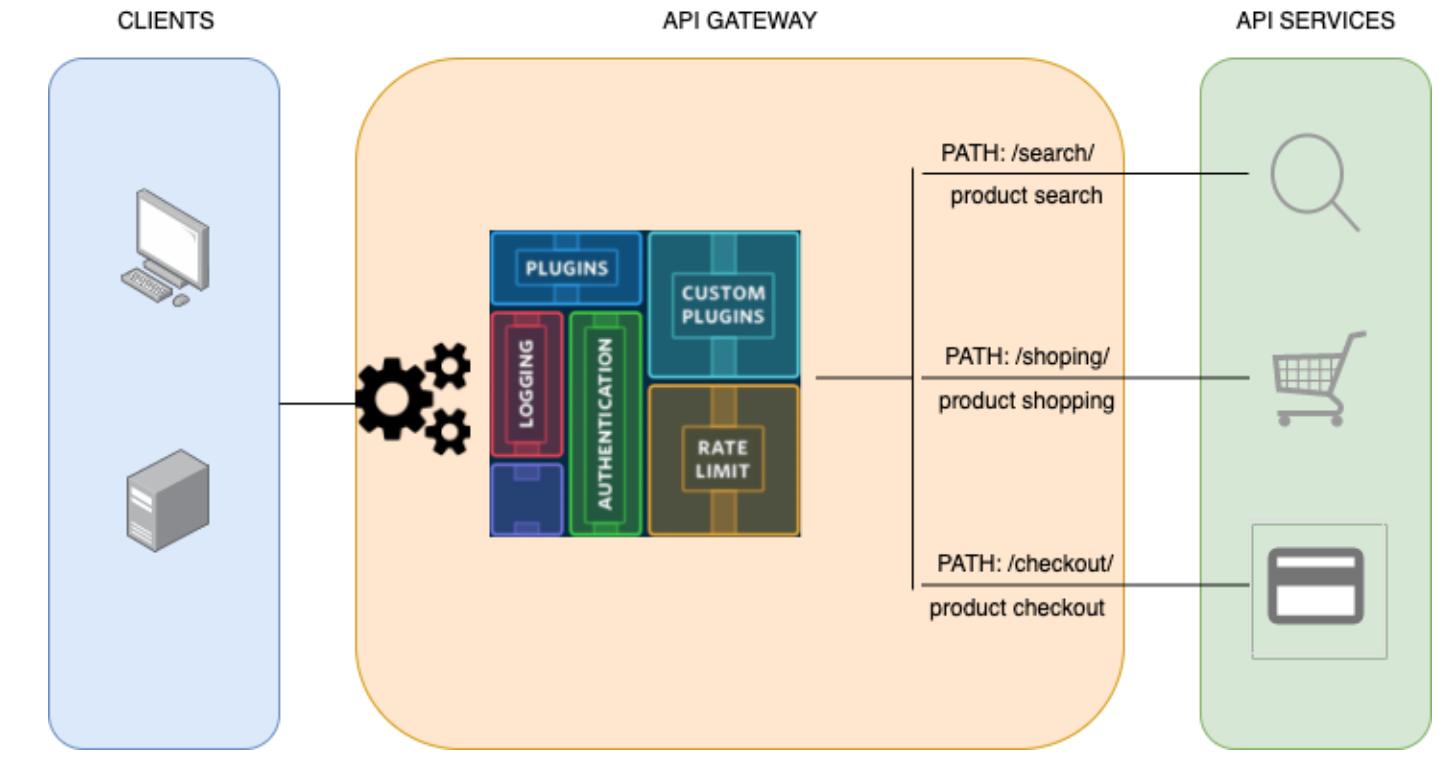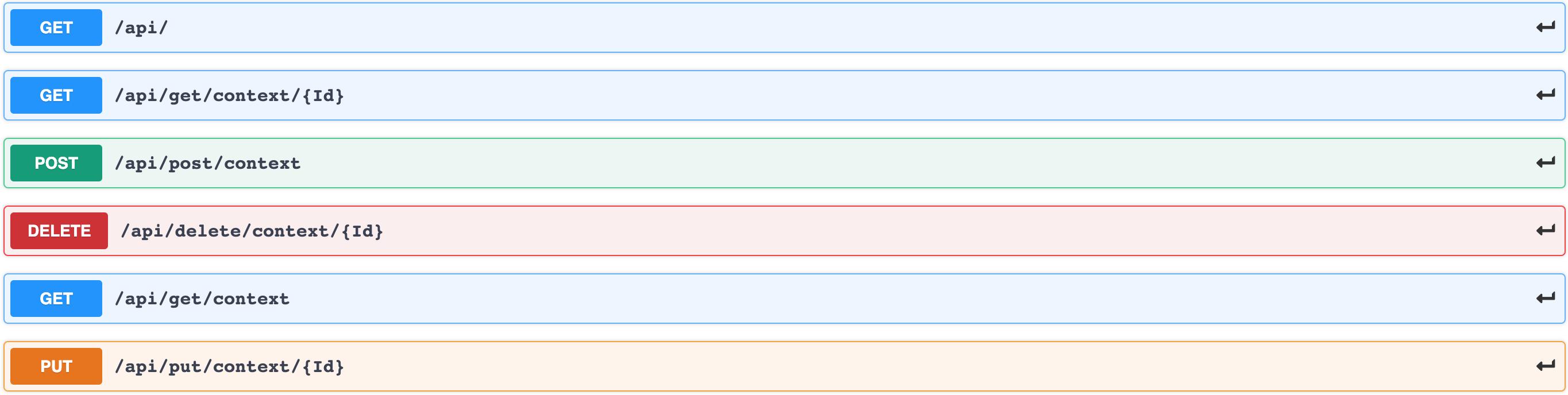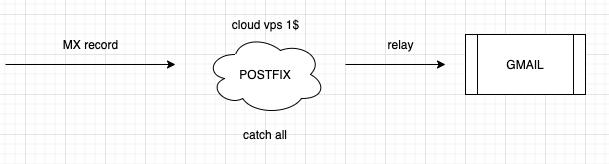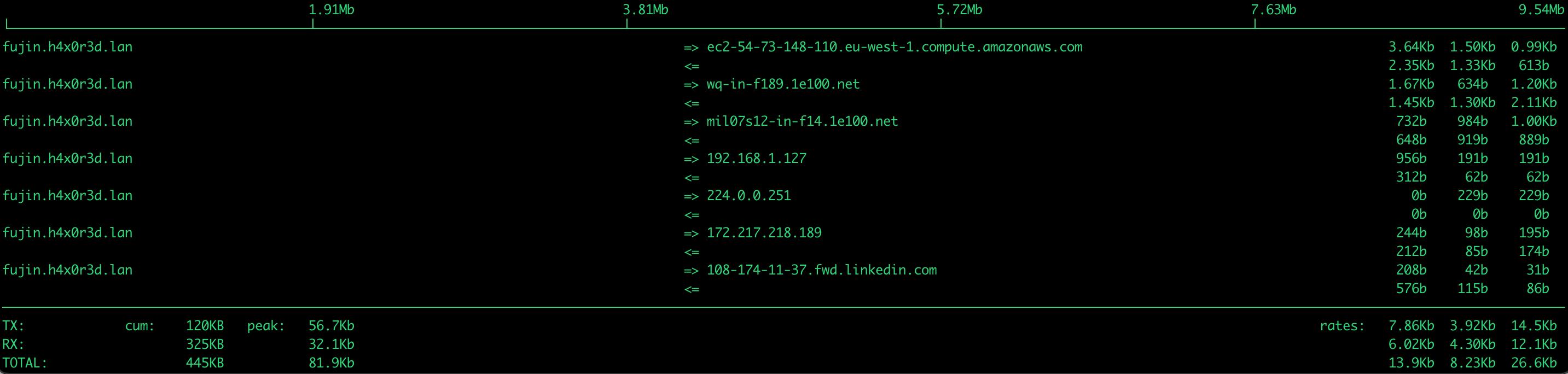
Kubernetes nstats

/images/kubernetes-nstats/Screenshot-2021-02-22-at-18.16.33.jpg

Here we go… another weird sidecar container.

Motivations

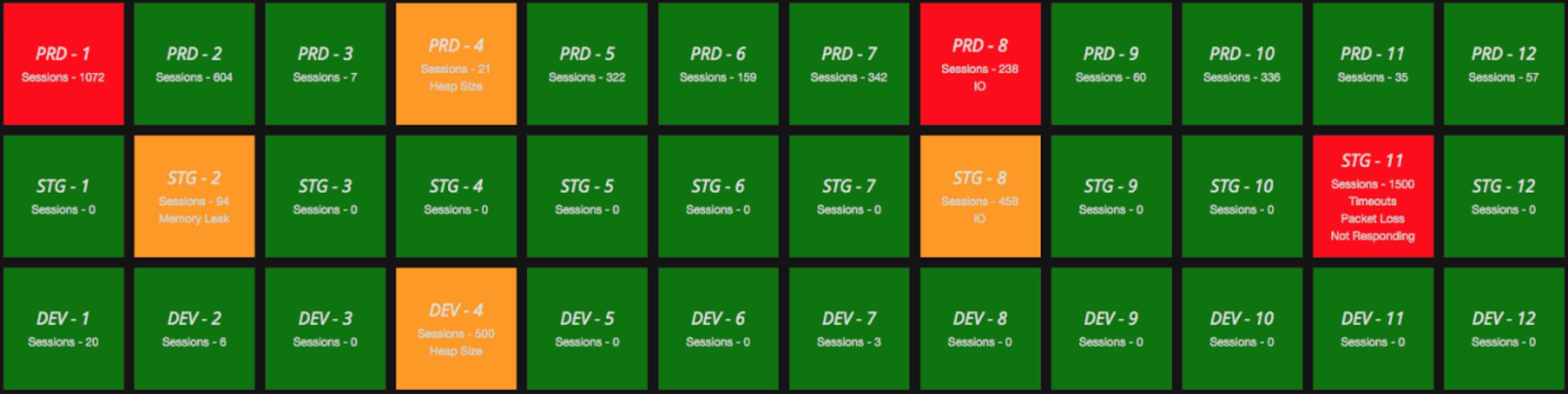
I’ve always been interested in the observability area. There are many aspects that improve performances and fix bugs. One of the most interesting is network usage.

This is not about network issues:

/images/kubernetes-nstats/networkissue.jpg

It’s about understanding where bandwidth is actually going.

You’re probably used to seeing something like this for your VMs:

Homelab, When Small is Big

/images/homelab-when-small-is-big/Screenshot-2021-02-19-at-18.06.38.jpg

When I first got into IT, devices ran continuously. My first lab was an impressive tower from 1999 with substantial disk and memory banks, a quality CPU cooled by a massive copper heatsink and a 12cm fan. During the night, those components produced noise comparable to a helicopter. Neighbors complained. I didn’t sleep well.

The lab evolved over the years. Not just for noise reasons, but prioritizing cost-effective hardware that could replicate a simplified production environment. The goals today are very different from 1999:

Ambient Sensor for Mere Mortal

/images/ambient-sensor-for-mere-mortal/Screenshot-2021-01-24-at-21.39.16.jpg

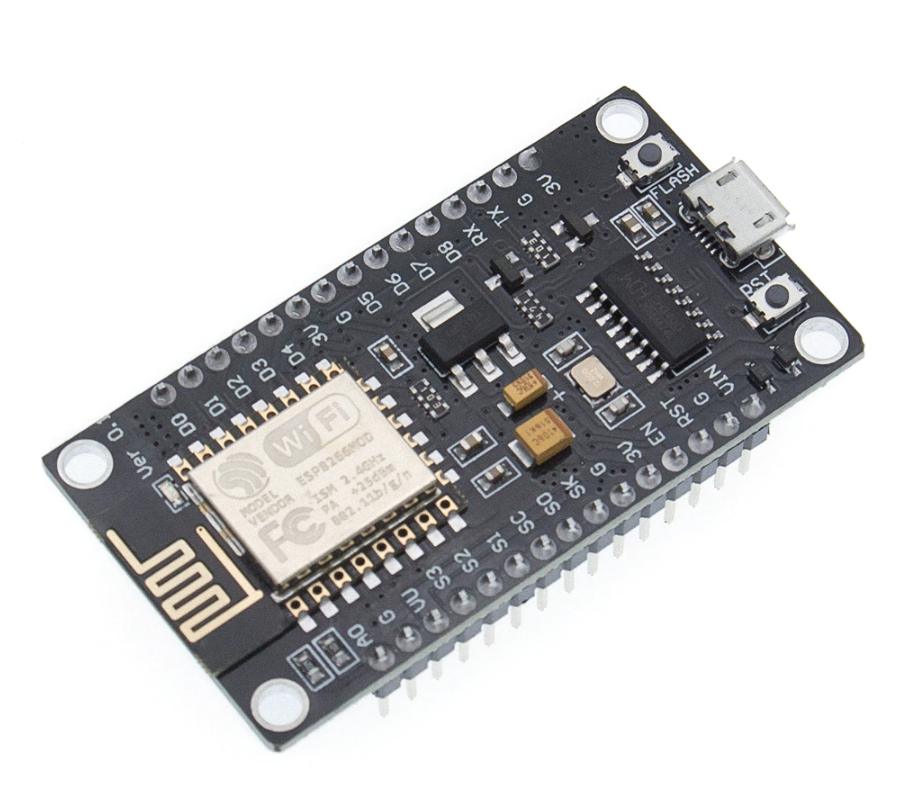
In the home automation era, I wanted to understand how simple thermal sensors actually work — not just buy a commercial solution and plug it in, but build the whole thing from scratch. Here’s what I put together.

What We Need

  • ESP8266
  • DHT22
  • USB power supply
  • InfluxDB
  • Grafana

Hardware

I initially considered Arduino but followed a colleague’s suggestion to use NodeMCU instead. NodeMCU is an open source platform developed for IoT where you can compile firmware with the sensors you need. Its primary advantage is Lua support, which is significantly simpler than Arduino’s C implementation for this kind of work.

The Monitoring Paper

Contrary to popular belief, monitoring an infrastructure is the opposite of just having some metrics about applications and network.

There are many excellent resources on this topic. One of the most interesting is just a few pages from Google — the art of SLOs. I took the book version from a Google on-site deep dive.

To structure this properly, I want to use four simple statements:

  • WHAT
  • WHY
  • WHO
  • HOW

WHAT

This is probably the main argument we’ll discuss here.

Maximum Yield with Minimum Expense

/images/maximum-yield-with-minimum-expense/Screenshot-2020-12-26-at-16.43.11.jpg

Great marketing quote in the title — but honestly, the underlying principle is always true: keep it simple, keep it safe.

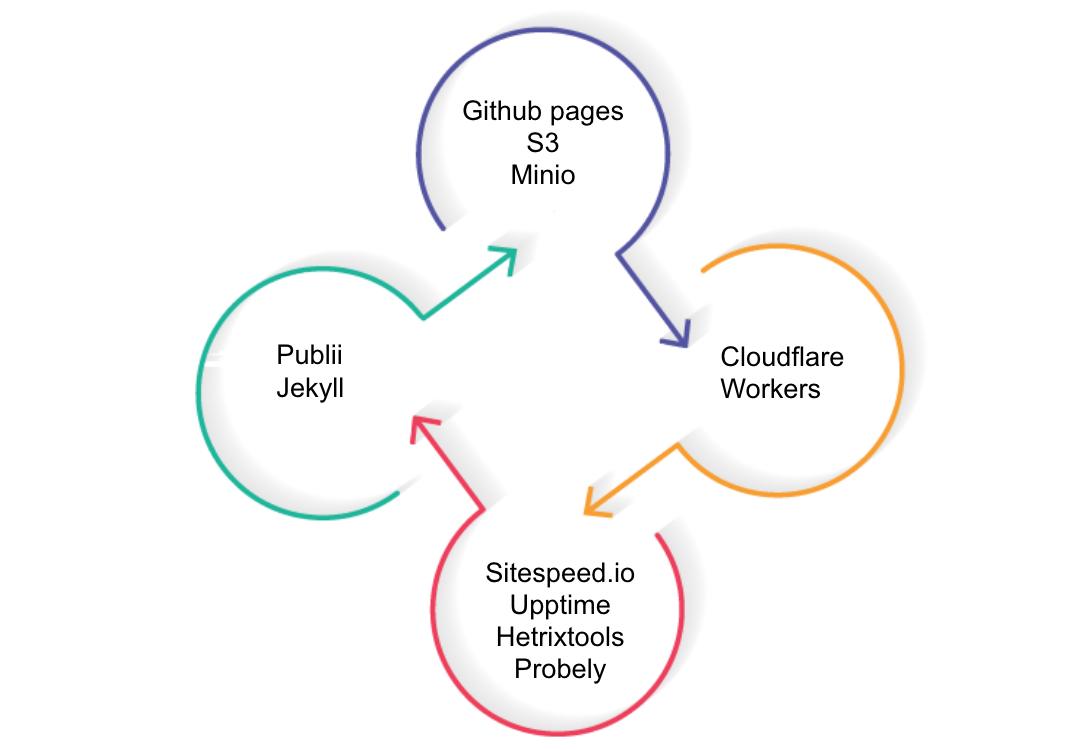
I want to structure this around four topics:

  • Static website
  • Tools
  • Security
  • Monitor

Each could be its own post. This one will cut across all of them because they’re connected.

This is not a post about how to create a blog. This post inspects some technology that can simplify your life or your work with small but important concepts.

Kubernetes Destroyed the Virtualization... or NOT

/images/kubernetes-destroyed-the-virtualization-or-not/vm_vs_pod.jpg

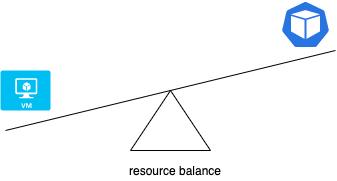
NO.

That’s the short answer. Kubernetes has not destroyed virtualization. Let me explain why.

I’ve been watching the “Kubernetes rush” for a few years now. Companies highlight success stories and cost savings, but I often wonder if they’re sharing the complete picture. I want to focus specifically on Kubernetes and virtualization — not the broader data center ecosystem with databases, legacy systems, and corporate infrastructure.

Kubernetes API Gateway

/images/kubernetes-apigw/Screenshot-2020-11-20-at-22.20.25-2.jpg

It’s time to talk about the API gateway.

In a modern infrastructure — especially in a microservices environment — you probably know what I’m referring to. But it’s worth being explicit about it:

“An API gateway takes all API calls from clients, then routes them to the appropriate microservice with request routing, composition, and protocol translation. Typically it handles a request by invoking multiple microservices and aggregating the results, to determine the best path.”

Python REST API Test Application

/images/python-rest-api-test-application/Screenshot-2020-11-20-at-23.08.36.jpg

When you work in platform engineering focused on infrastructure, you sometimes need to create prototypes specifically built for platform testing purposes. I needed a backend that could simulate real API behavior without coupling to any actual business logic — something I could abuse freely.

Two goals:

  • Function as a REST API
  • Run in Kubernetes

Running Locally

Build the image and run it:

Kubernetes sitespeed.io

/images/kubernetes-sitespeedio/reaction.png

First, a thought about what this is and what it isn’t: this is about website metrics management. Not the only way, but one way for a high-level overview.

I’m focused on sharing concepts about website monitoring and one possible way to manage this in Kubernetes. You can reach the same goal with just Docker and crontab — but I’m using some other tools in Kubernetes because I’m evaluating them for other purposes.

Kubernetes Postfix

/images/kubernetes-postfix/vps.jpg

Long story short: my VPS provider changed the price for their small instance from $1 to $3, so I took the opportunity to move my Postfix service from cloud to on-premises. Why move away from cloud when the rest of the world is moving toward it? Because my own domain is used primarily for alerting, and the cost/benefit stopped making sense at $3/month.